 Man
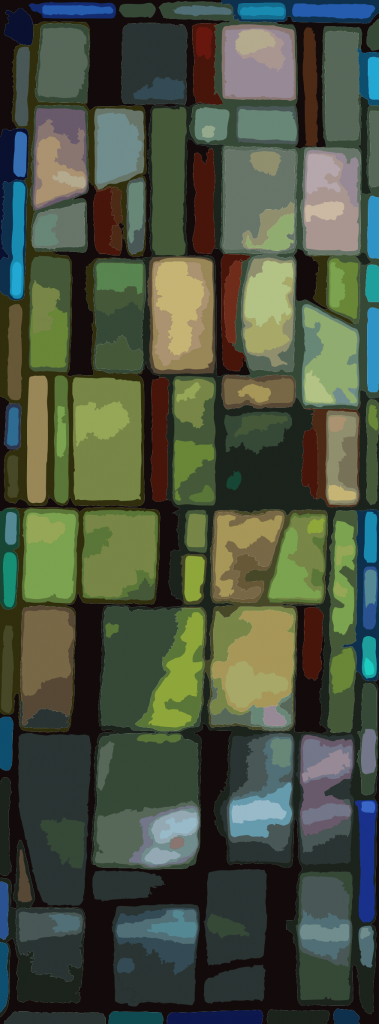
Man y of my blog images are vector traces of photos accomplished in Coreldraw and then exported as jpg, gif or png to illustrate my blog. This is something that I have learned to do over many years use of Coreldraw. It’s quite simple to do and I find the results to be more pleasing than the original photo.
There are technical advantages to creating a vector image from your original bitmap image:
- Much smaller size – the original of the stained glass image on the right was 1.36 meg for a 884 X 2386 pixel image. This trace represents that same image in png format using only 220k – about 1/6 the size. Many of the traces that I use on this blog are only 10 or 20k in size.
- When printing with the image stored in a vector format (.cdr, .ai, svg) the image is infinitely resizable with no loss of quality.
After creating my vector image in Coreldraw I use the “Export for Web” command to turn it back into a bitmap. I saw that the size of the image of me, to the right, was much larger than necessary so I reduced it to 242 pixels wide. The result is perfect for my blog and the jpg is a mere 5k in size.
If your data plan is skimpy like mine, you can still look at this blog as the photos, when vector-processed won’t break anyone’s data plan.
This link helps you with doing traces in Adobe Illustrator: http://helpx.adobe.com/illustrator/using/image-trace.html